
LABEL STUDIO

ACTIONABLES ACADEMY LABEL PRINTING APP

Print labels.
Keep records.

Label Studio helps your team create and print sticker labels. Preview each label before printing, and keep a record of who printed what.
See how it works
Designed & built by Li HuaActionables Academy · Practical apps for everyday work.
LABEL STUDIOPREVIEW · PRINT · RECORD
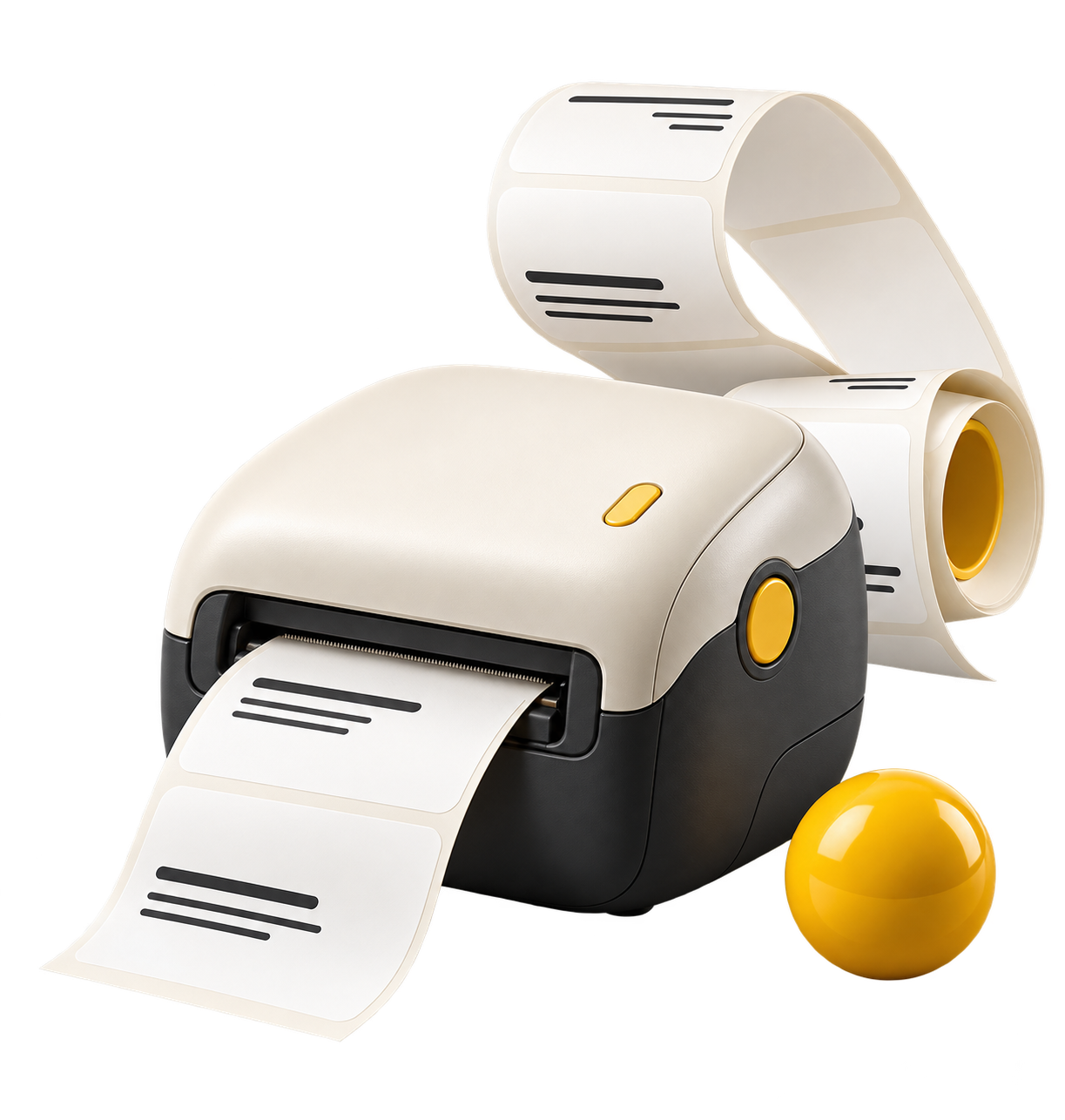
Sculptural ivory label printer with a curling paper ribbon and yellow accents
Live previewCheck your label before printing.
Staff print recordsSee who printed each label.
CLEAR LABELS. COMPLETE RECORDS.01 — 03
Concept artwork
THE APPLabel Studio
DEFAULT LABEL SIZE80 × 50 mm · Adjustable
STAFF ACCESSIndividual email & password login
SCROLL TO EXPLORE

HOW IT WORKSTHREE SIMPLE STEPS

Enter. Preview.
Print.

Enter the details, check the preview and print.
Each print is recorded under the staff member’s name.

Select a step to see a sample.

LABEL STUDIO / PRODUCT TOUR SAMPLE DATA
01 / PREPAREEnter the
label details.
Client nameSample client
Item nameSample item
Label languageEnglish ⌄
TimingMorning ⌄
01 — Prepare the detailsILLUSTRATIVE WALKTHROUGH
Private staff workspaceLive label previewThermal-print friendlyIndividual print records

STAFF WORKSPACE

Ready to
print?

Sign in with your staff email and password.

AN ACTIONABLES ACADEMY APPDESIGNED & BUILT BY LI HUA

MAKE IT FIT

Print settings

Match the label stock loaded in your printer.

Printer alignment

Start at 0 mm. Adjust only after a test sticker.

YOUR CLINIC

Label branding

Upload original artwork for an exact logo match.

Applies to this signed-in session. Each print record keeps its own branding snapshot.

LABEL STUDIO / STAFF ACCESS

Staff login

Use your individual staff account. Each print is recorded under your name.

Need an account or password reset? Ask your administrator to open Staff access.

STAFF WORKSPACE

Staff access is not available yet

This workspace is reserved for authorised staff. Contact your administrator for access.

ONE LAST CHECK

Did the labels print?

The print dialog was opened. Confirm the physical labels came out correctly, or record a cancellation.

Clear label details?

Start with a blank label. Existing print records stay in history.

STAFF ACCOUNT

Add staff

At least 10 characters.

This creates a normal email/password login. Share the initial password directly with the staff member.

STAFF ACCOUNT

Set a new password

At least 10 characters.

Share the new password directly with this staff member. Existing passwords cannot be viewed.